

How can we help you?
Organize your tests with folders
The folders allow you to group your experiences according to your own organization: by client, by site, by campaign, by product, by country or by theme.
Create a new folder
Click on Add a folderEnter its name (for example, "Test"), then click on CreateThe folder appears immediately in the list.
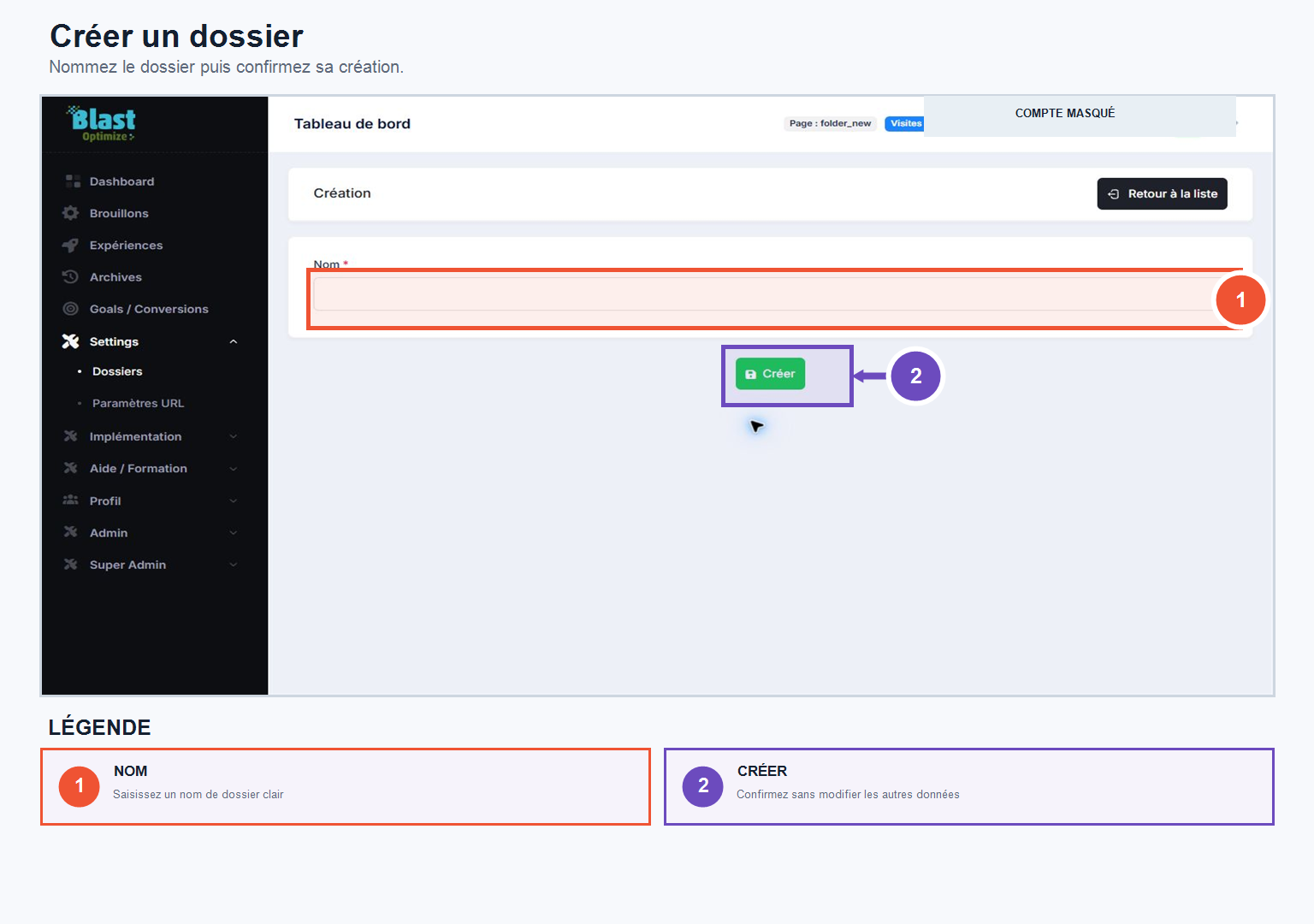
Once created, your folder is available in all sections of BlastOptimize: Drafts, Experiments, and Archives. You can assign it directly to an experiment when creating or editing it.