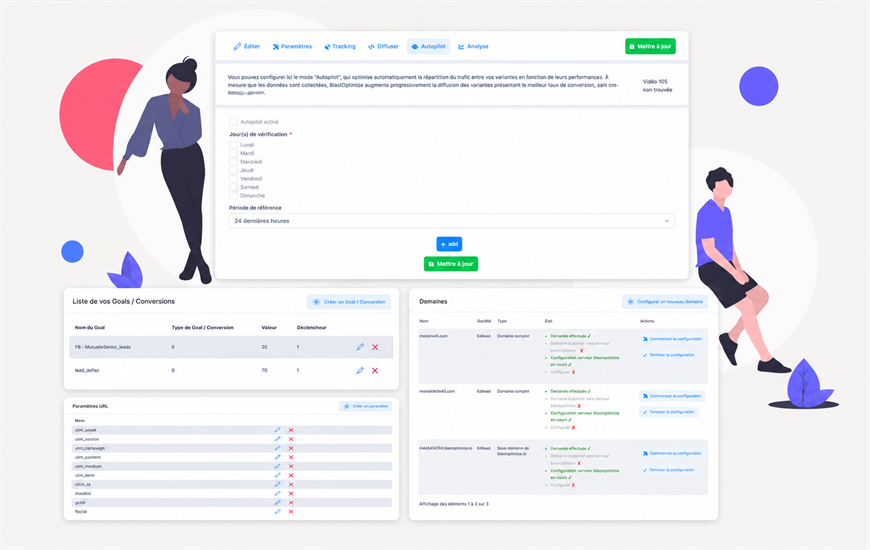
The autopilot automatically adjusts your experiences to maximize their performance, without manual intervention.
Define your objective and let the algorithm manage traffic distribution.
Traffic is gradually redirected towards the best performing variants.
Follow the decisions made and take back control at any time if needed.
Traffic is automatically directed towards the best performing variants.
Reduce the time spent monitoring your tests on a daily basis.
You can consult the reasons for the adjustments made at any time.
Switch to manual control whenever you want.
It gradually adjusts the traffic distribution towards the best performing variants.
Yes, you can switch back to manual control at any time.
It can be activated on most of your experiences depending on your goals.
Yes, the decision history can be viewed at any time.