
Company information and security via authorized IP address
In Profile → My Company, find the administrative information of your account: company name, VAT number, and information associated with your organization.
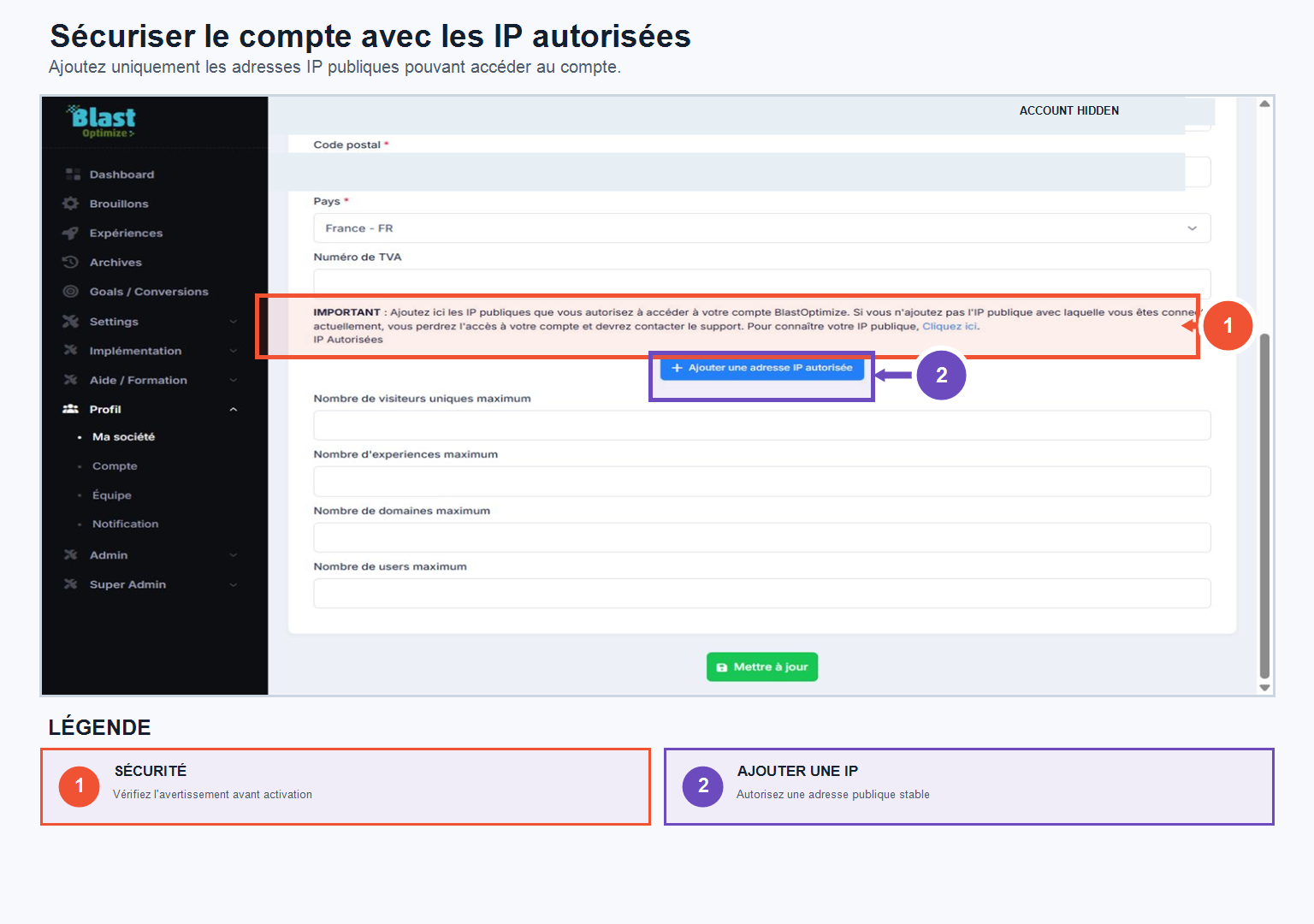
You can also enhance the security of your account by filling in one or more Allowed public IP addresses : only connections from these IPs will be able to access your BlastOptimize environment (your current public IP address is shown directly in the interface).
⚠️ This feature should only be used if your team has relatively stable IP addresses. If you frequently switch connections or work from different locations, it's best not to enable it to avoid unintentionally blocking account access.
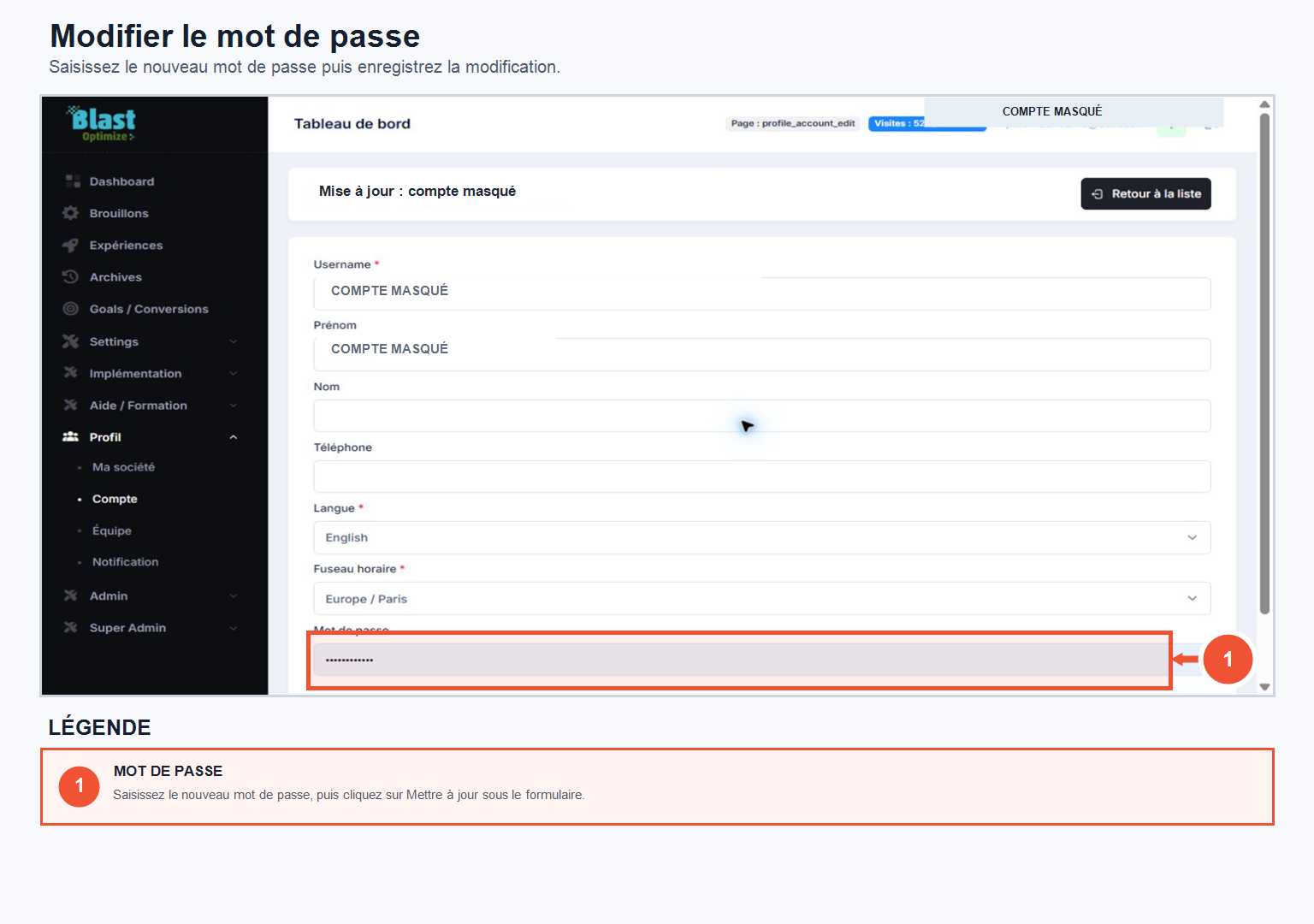
In Profile → My AccountYou can change your password: enter the new password and then click on To update.