

How can we help you?
Add collaborators and manage their permissions
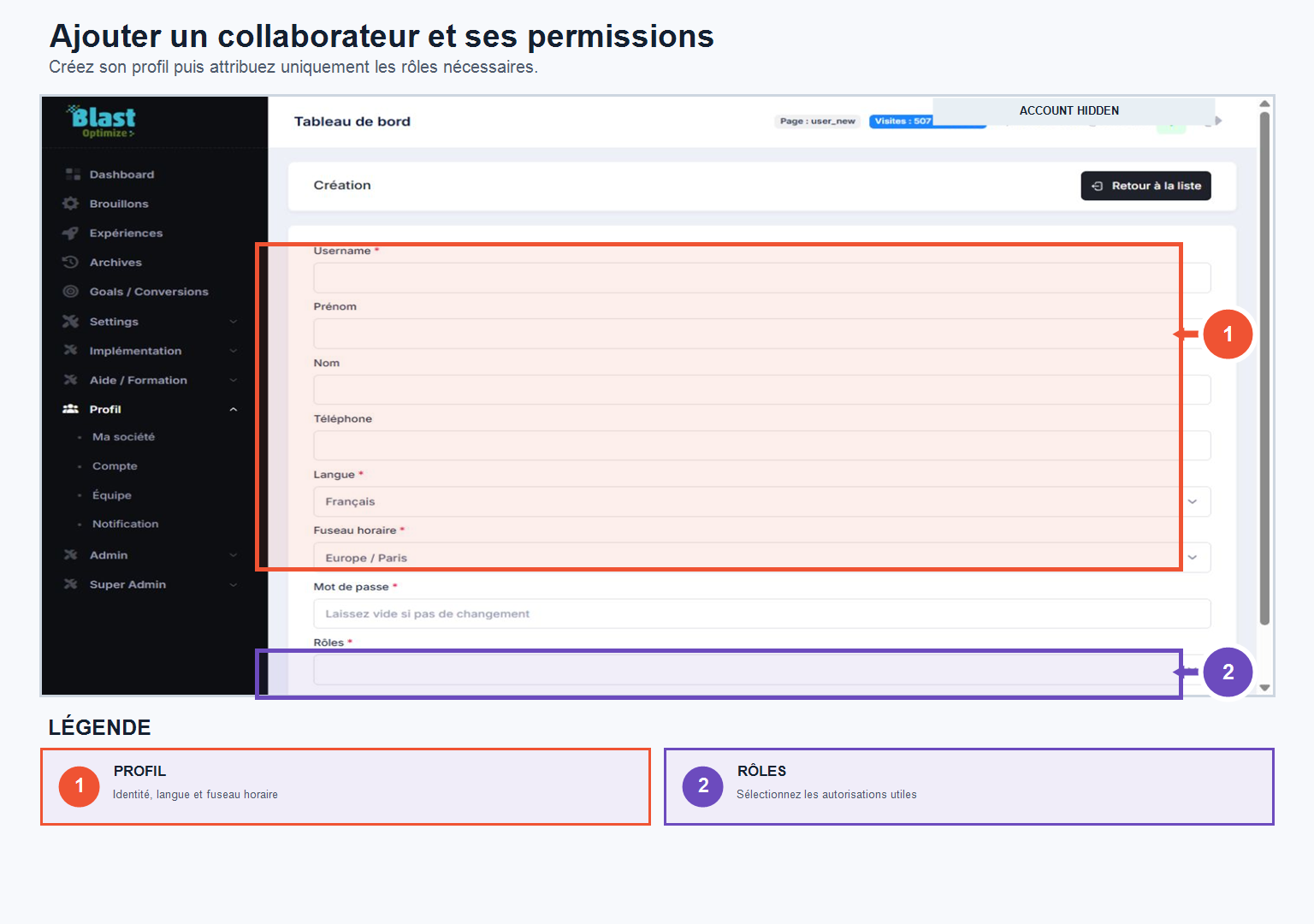
In the tab TeamCreate an access for each collaborator by entering their name, surname, username (usually their email) and an initial password — which they can change from their own space after logging in.
You can assign different rights to different users, granting or denying access to: Experiences, Archives, Projects, Implementation and Tracking, Training, Account settings, or Team management. For example, a marketing profile might have access to experiences and analytics, while a technical profile might have access to implementation and tracking.
The goal is to give each employee only the access necessary for their mission, for a more secure and better organized environment.